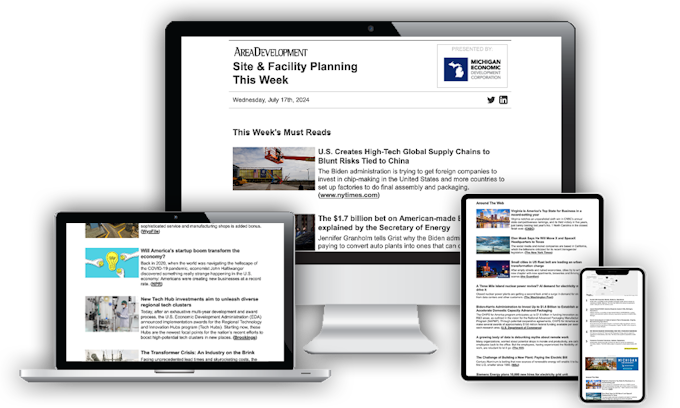
One ad for each creative dimension must be submitted:
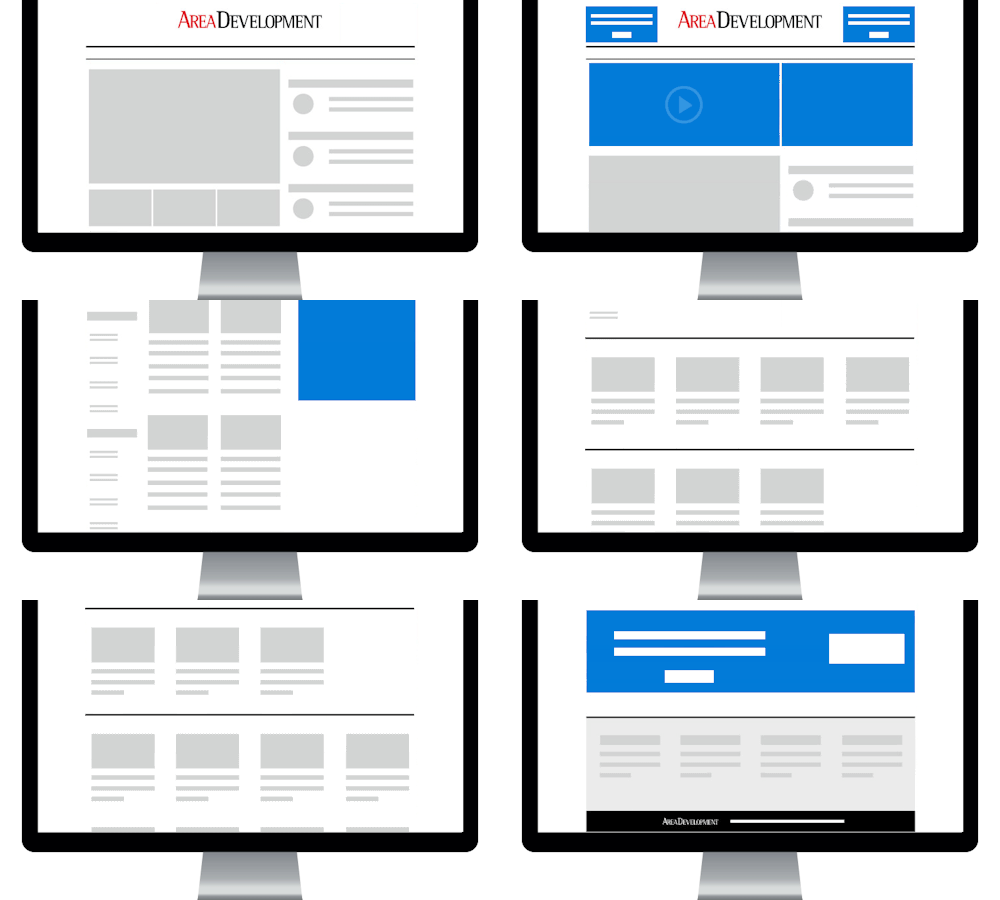
- Banner Advertisement - 4:1 aspect ratio - 600w x 150h min dimensions / 900w x 225h max dimensions - 150k max weight - type: GIF, JPG, PNG - up to two creative versions can be submitted
- Sponsor Logo - 2:1 aspect ratio - 120w x 60h min dimensions / 240w x 120h max dimensions - Banner must be a 2:1 aspect ratio - 45k max weight - type: GIF, JPG, PNG - must have a white or transparent background
- Native Ad Unit - all required components listed below
Notes:
- Please provide click URL information at time of creative asset delivery.
- All banners with a white background must have at least a 1px border.
- Submit all creative to traffic@areadevelopment.com.
- Due 5 business days before scheduled broadcast.
- If submitting multiple sets of creative, please separate each set of creative into a single attachment or folder within a zipped package. Please make sure to label each attachment semantically and provide clear processing directions mapping each attachment to its associated campaign(s).
Animation:
- Animated GIFs should include all vital creative copy and call-to-action in the initial frame in case the email client where the banner is being displayed does not support animated GIFs.
Ad Serving:
- Publisher served or ad tags from approved third-party ad servers accepted.
- If using a third-party ad server to host email newsletter banners, please provide the following for each banner unit:
- URL to the hosted image file or the physical image file
- Impression tracking pixel URL for ad unit (optional)
- Click URL for ad unit
- DCM served campaigns must provide a 1X1 impression tracking pixel and click tracker along with the banner asset (physical file or URL to the hosted image)
- Standard, javascript and iframe ad tags are not accepted for newsletter banners.
Native Ad Unit Description and Deliverables:
The native ad unit is a text ad that fits contextually within the newsletter’s stream of featured Area Development content, news and curated content from around the web. The copy must read as a teaser for an article/study or some other resource and must direct the user to a specific, informational landing page when clicked. The “article hero image” must be an image associated with the article and should not be a banner advertisement.
Native ad unit components:
[sponsor name / link]
[article hero image] 16:9 image - 560w x 315h min / 1120w x 630h max - 150k max weight - type: GIF, JPG, PNG
[title / link]
[dek] maximum 65 words or 300 characters with spaces
[short marketing message / link]
Deliverables:
- Please provide text copy for all elements described above in Word/Text doc.
- Hero image
- Up to 3 separate unique click URLs to be used amongst the 3 text links (Area Development will handle all formatting and stylization internally). URLs can link directly to landing pages or redirect through the advertiser’s ad server in order to track clicks
- An impression tracking pixel can be provided by the advertiser and embedded into the native unit.